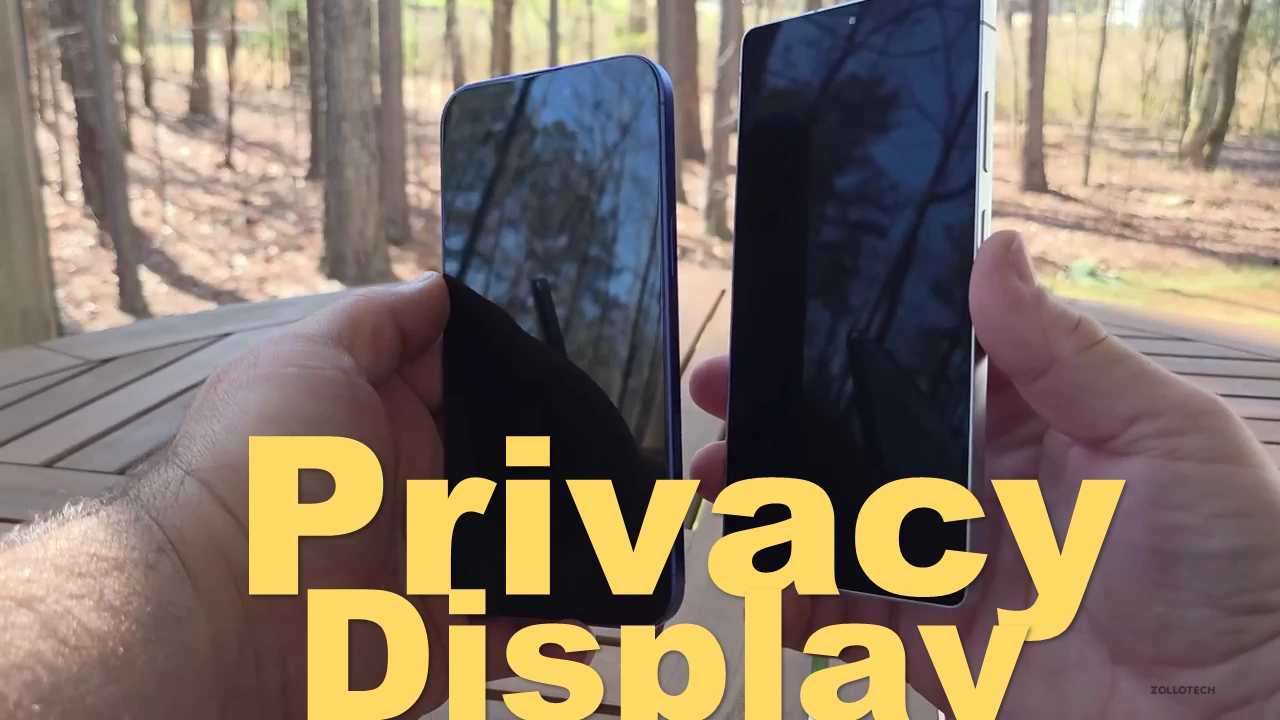
Samsung Galaxy S26 Ultra’s innovative Privacy Display and its unmatched customization options.
The most anticipated new feature of the Samsung Galaxy S26 Ultra has leaked once more, and we now know how clever it will be.
Leaked information on the Samsung Galaxy S26 Ultra’s most exciting anticipated upgrade has offered further details about how unexpectedly customizable it might be.
Two photos of what appear to be the Galaxy S26 Ultra’s Privacy Display settings were released on X by leaker Tarun Vats.
If these are true, they highlight how Samsung will allow users to tweak the function to their exact requirements or, if they’d rather, leave it off.
To refresh your recollection, the Galaxy S26 Ultra is supposed to have a feature called Privacy Display that will not be available on the normal Galaxy S26 or S26 Plus.
In essence, the functionality is an incorporated version of the third-party privacy screen protectors you’ve certainly seen on sale or even on a friend’s phone.
Samsung’s revolutionary technology, in contrast to existing shields, is integrated, so there should be no loss of screen quality, and the privacy mode may be turned on and off as needed.
A brief one-line explanation of the feature’s function and how it’s off at the present is followed by a reference to its automatic mode.
The “Auto privacy” option, which is currently activated and states that running sensitive apps or being in a busy area may trigger the phone to activate the Privacy Display, is, in fact, the first huge toggle on the screen.
As it does when turning on or off auto brightness on contemporary Samsung phones, we would imagine that a manual option will come up when this slider is off.
We assume that the “Custom conditions” option lower down opens a separate panel, probably the one shown in the second screenshot.
A “Maximum privacy” slider, which promises that it dims your screen to make it much harder to read, is also available beneath that.
A menu called “Privacy triggers,” which shows in the second screenshot, offers numerous toggles that a user can modify when the Privacy Display turns on.
These include the ability to block only specified parts, such as notifications or picture-in-picture windows, and to activate the screen in public places as a location (e.g., elevators or public transit).
You can also select to activate the screen when photographs from the Gallery or when your PIN or password screen is displayed.
Samsung’s Privacy Display concept might be a nice one. Until you add firms like Huawei that can notify consumers of possible shoulder surfing through a device’s face recognition system, no other phone maker has been able to accomplish this.
Many previously hesitant customers might be tempted to upgrade if Samsung can make this work. And the fact that it appears to be able to enable a significant lot of customization right from the start is a positive indication of that.
The upcoming Galaxy Unpacked presentation, slated for Wednesday, February 25th, will display whatever Samsung has in store for us.
Hopefully, we will be able to view any information Samsung decides to display on the Galaxy S26 Ultra without the Privacy Display kicking on, even though the showcase is surely in a public area.
Samsung will not be conducting an Unpacked event in January 2026, in contrast to the previous two years.
Instead, it has been announced that the anticipated Galaxy S26 Ultra will be introduced in February, shortly before the Mobile World Congress (MWC).
Reports indicate that a number of key products, including some fan favorites and potential surprises, will be revealed prior to the February 25 launch event.
Here are some things to anticipate at the Samsung Unpacked event in February, including the anticipated new Galaxy S-series phones as well as a few surprises.
According to Samsung, the next Unpacked event will take place in San Francisco on February 25. Viewers may tune in at 10 a.m. PT and 1 p.m. ET.
If you would like to watch the Unpacked 2026 event live online, you may do so by visiting the Samsung website or YouTube.
In order to offer you advance notice before the live stream starts, you’ll probably see a “notify me” button closer to the launch. We have five expectations for the upcoming Samsung Unpacked event.
Read More:

1 thought on “Samsung Galaxy S26 Ultra’s Game-Changing Feature Leaks Again — Discover Its Genius”