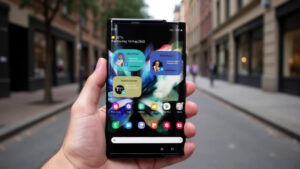
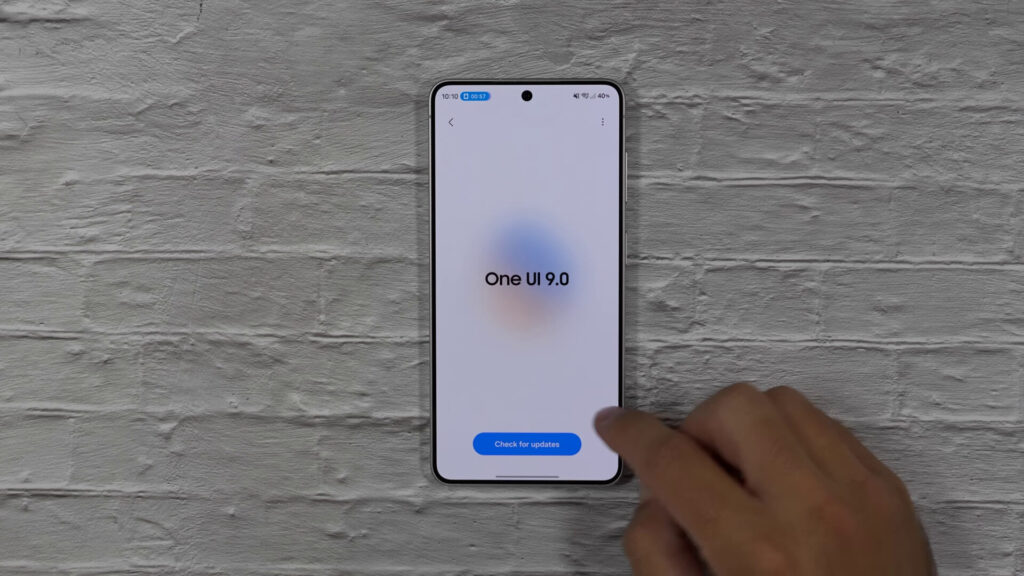
The start of a new beta usually feels like a fresh chapter, whether it’s Google pushing a new Android build or Samsung iterating on One UI. One UI 9, based on Android 17, should have been that kind of moment. Instead, early testing signals something different: a quieter release, with fewer headline features and more refinement.
Samsung has reportedly begun internal testing of One UI 9 for the Galaxy S26 FE, according to a typically reliable tipster on X. The first build is identified as S741NKSU0AZE5, and the Korean S26 FE model number is now effectively confirmed as SM-S741N. It’s the kind of breadcrumb that matters because Samsung’s testing timelines often reveal launch order long before an official teaser does.
Galaxy S26 FE testing hints at the launch timetable
If Samsung is already validating One UI 9 on the Galaxy S26 FE, the implication is straightforward: the S26 FE is expected to ship with One UI 9 out of the box. That also constrains the calendar. A phone launching with the new software typically won’t arrive before the devices that introduce it publicly.
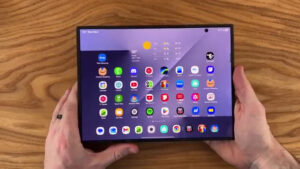
Right now, that points directly at Samsung’s next foldables. The Galaxy Z Fold8 and Z Flip8 are expected to debut One UI 9 when they’re announced on July 22. If that date holds, the S26 FE should land no earlier than the Fold8 and Flip8, and likely after them, in the familiar pattern where foldables take the spotlight and the Fan Edition follows.
That sequencing helps set expectations for everyone watching the beta. If you were hoping One UI 9 would feel like a major leap that transforms the S26 lineup overnight, the early build behavior suggests a more conservative approach: polish first, big features later, and some additions saved for the foldables’ launch narrative.
The beta’s UI changes are real, but they’re subtle
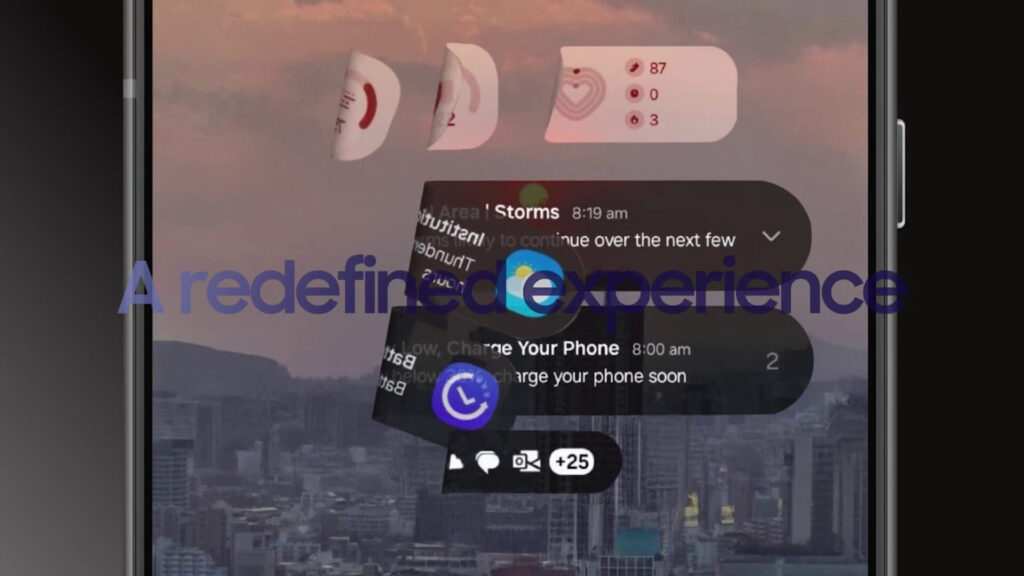
After spending time with the One UI 9 beta on the Galaxy S26 Ultra, the most accurate takeaway is that the update is smaller than usual. There are changes, and some are genuinely nicer, but they don’t add up to a must-install beta for most people.
The most visible redesign is the media player. The track title moves to the center, while playback controls and the scrub bar are larger and easier to hit. That’s a practical improvement, especially on the move. The trade-off is that the artist name is no longer displayed, which some users will see as lost context, particularly for playlists and radio-style listening.
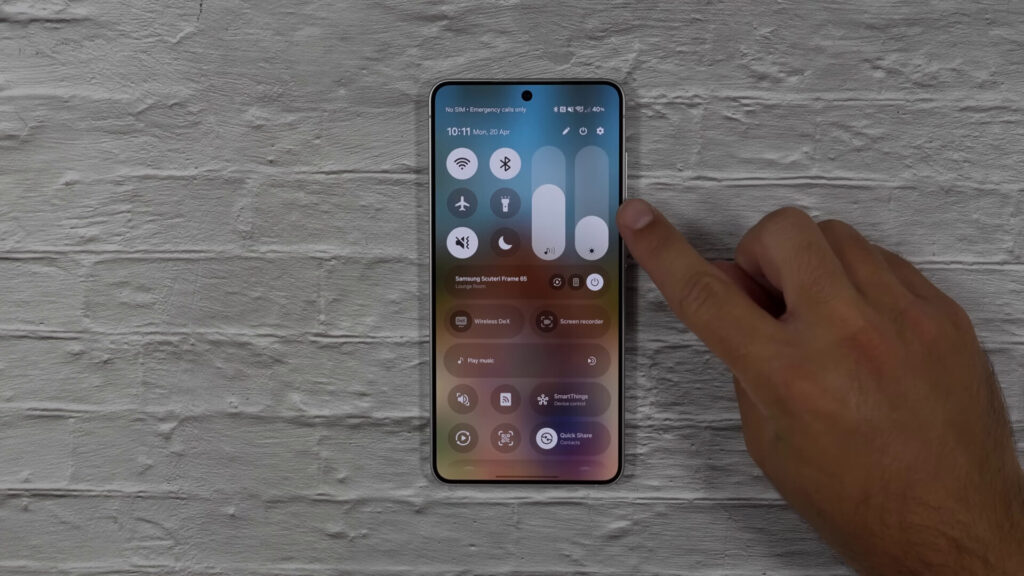
Quick Settings also gets meaningful refinement. Previously, the media player effectively consumed an entire row unless you leaned on a Good Lock module to change the layout. In One UI 9, you can resize the media player to a 2 x 2 square without Good Lock. It’s a small quality-of-life change, but it matters because most users never install Good Lock, and built-in options reach far more people.
Elsewhere in Quick Settings, buttons and sliders look cleaner. Icons lose the “circle within a circle” look, and the active-state color fills the entire tile. Volume and brightness sliders drop the border, and the sound profile and dark mode controls are no longer embedded into the sliders, meaning they can be moved or removed.
There are also tweaks to calling. When you’re on a call with a saved contact, the phone can surface recent messages or key dates tied to that person. It feels like an evolution of Samsung’s “Now” style suggestions, and in early use it can be more relevant than Google’s Magic Cue, which sometimes promotes unrelated content as if it were helpful context.
A handful of other changes round things out: you can hide split-screen multitasking handles, Digital Wellbeing and parental controls are separated into distinct menus, and a new settings page collects sideloaded apps into a single list, a welcome touch for APK-heavy users.
New tools, stronger security, and why most should wait
Samsung is also adding featurelets that won’t headline a keynote but will matter day to day. Samsung Notes gains decorative tapes and more pen line styles, while the Contacts app can jump directly into Creative Studio for generating profile cards without hopping between apps. Accessibility improves with adjustable Mouse Key speed, a combined TalkBack package, and Text Spotlight for enlarging selected text in a floating window.
Security gets a sharper edge, too. One UI 9 introduces stronger protections against suspicious apps: if a newly detected app is deemed high-risk, the system can warn you, block installation or execution, and recommend deletion through security policy updates.
Even with those additions, the beta doesn’t feel urgent. Beta builds carry real risk: bugs, battery oddities, and the occasional app that breaks at the worst time. Samsung betas have a reputation for intermittent Google Wallet failures, and early One UI 9 builds also appear to leave multiple Good Lock modules in a broken state.
If you’re determined to try it, you currently need a Galaxy S26, with other models likely to follow later. For everyone else, the smarter move is patience. The stable release will probably bundle more features around Samsung’s foldable announcements, and that’s when One UI 9 may finally feel like a true yearly update.
Conclusion
One UI 9 is shaping up as a refinement release: cleaner Quick Settings, a better media player, modest calling intelligence, and sensible security and accessibility upgrades. It’s promising, but not thrilling, at least in beta form. If you love testing and can tolerate hiccups, it’s an interesting preview. If you want reliability, wait for stable and the Fold8 launch window. Are you excited by these changes, or does One UI 8.5 still feel like the better balance?
Read More.
- One UI 8.5 “Stable” Fallout: Fixes for Week-One Bugs