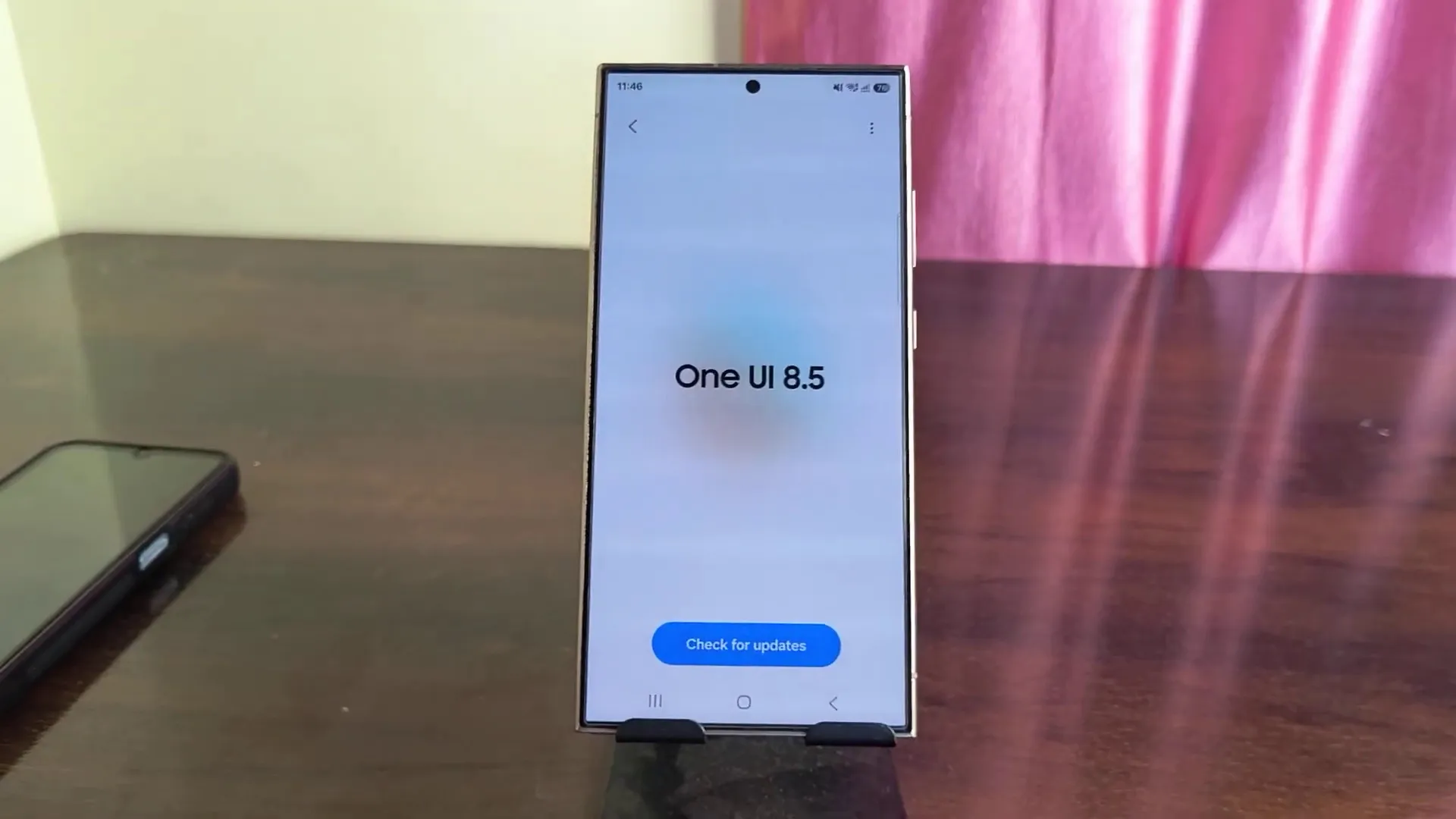
Samsung pushed the stable One UI 8.5 update on May 6, 2026 (starting in South Korea on the Galaxy S25 line), then expanded globally on May 11. The Galaxy24 family, Z Fold 7, Z Flip 7, and older foldables like Z Fold 6 and Z Flip 6 followed soon after.
The problem: within the first week, reports piled up across Samsung Members, Reddit, and tech sites. Some issues are confirmed bugs with patches in progress. Others are deliberate design changes that look like bugs because Samsung didn’t explain them. Below are the real problems, labeled clearly, with steps that actually work.
Battery drain after updating (confirmed, plus normal settling)
Expect some short-term drain after a major update: app re-optimization, indexing, and cache rebuilds can hit battery for 7 to 14 days. If you’re beyond that window, or the drain is extreme, do this in order:
1) Clear cache for your top apps only Settings, Apps, pick heavy apps (Chrome, Gmail, Instagram, WhatsApp), Storage, Clear cache. Do 5–6 apps.
2) Reset battery stats (service menu) Phone dialer: star hash 9900 hash. Tap Battery stats Reset. If Auto Blocker blocks it: Settings, Security, Auto Blocker off, do the reset, reboot, then turn Auto Blocker back on.
3) Update Samsung apps and re-optimize Galaxy Store, Menu, Updates, install everything. Then run Galaxy App Booster (Good Lock, Good Guardians).
4) Limit background offenders Settings, Battery, Background usage limits, move major offenders (Facebook, TikTok) into Deep sleeping apps if you don’t need live notifications.
T-Mobile S25 drain tied to Mobile Services (confirmed workaround)
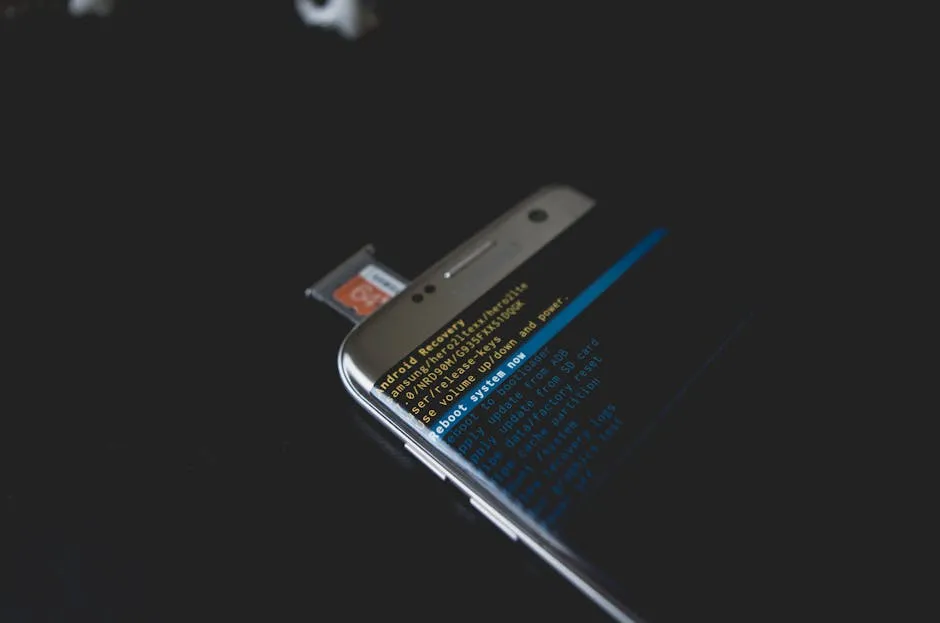
Samsung moderators have pointed to the Mobile Services system app as a trigger on some T-Mobile Galaxy S25 devices. A patch is coming, but the workaround is available now:
Settings, Apps, filter icon, enable Show system apps, search Mobile Services. Open it, screenshot the version number, three-dot menu, Uninstall updates, confirm, reboot.
Even outside T-Mobile, it’s worth trying if your drain looks abnormal.
Enhance-X tools missing (confirmed bug, do not uninstall)
Galaxy Enhance-X may lose tools like Filter Styles and Glow after One UI 8.5. Samsung has acknowledged this and is staging a fix.
Important: do not uninstall Enhance-X. Some users report it disappears from Galaxy Store search afterward. Your best move is to leave it installed and wait for a Galaxy Store update (Menu, Updates). If an in-app update prompt loops, ignore it.
Voice Recorder crashes on AI summaries (confirmed fix is live)
If Voice Recorder transcribes but crashes when you tap Summarise, it’s commonly tied to Galaxy AI on-device processing. Samsung has already shipped an app fix:
Galaxy Store, search Voice Recorder, Update. Then confirm version v21.5.86.26 or higher (Settings, Apps, Voice Recorder). Retest summaries in on-device and cloud modes.
Missing S26 features, and camera modes “removed” (mostly change, not a bug)
Some Galaxy S26-advertised AI and notification features appear absent on S25 (and even Z Fold 7 in some reports). Samsung hasn’t clearly explained what’s missing, region-limited, or intentionally exclusive. Treat this as a product decision until Samsung says otherwise: Submit structured feedback in Samsung Members (Get help, Feedback, Suggestion) with device model, region, and the exact missing items.
Meanwhile, a key camera complaint is often a relocation, not removal: Dual Recording and Single Take were moved into Camera Assistant. Install Good Lock (Galaxy Store), install Camera Assistant, enable the relevant shooting mode toggles, then re-check the Camera app.
Conclusion
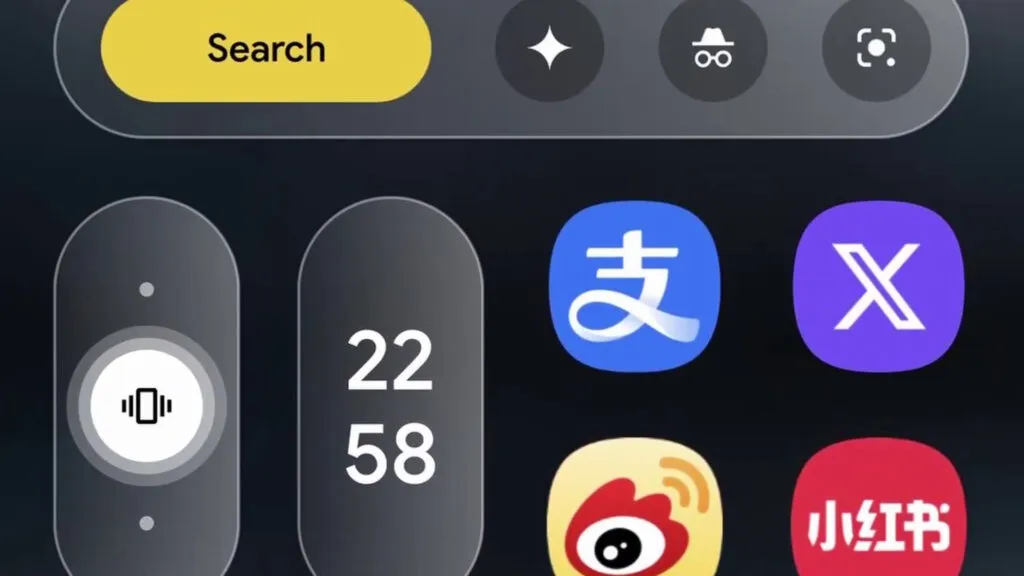
One UI 8.5 landed as “stable,” but week one showed how messy stable can get: battery drain (sometimes carrier-linked), app-level bugs, UI glitches, and surprise feature moves. Start with Galaxy Store updates, then apply targeted battery fixes (cache, battery stats reset, background limits), and use the Mobile Services rollback if you’re hit on T-Mobile. Avoid uninstalling Enhance-X, and restore camera modes through Good Lock.
If you updated, do one thing first: open Galaxy Store and install every pending update, then re-test. When you report issues, include your device model, carrier, and region so the data is actionable.
Read More!