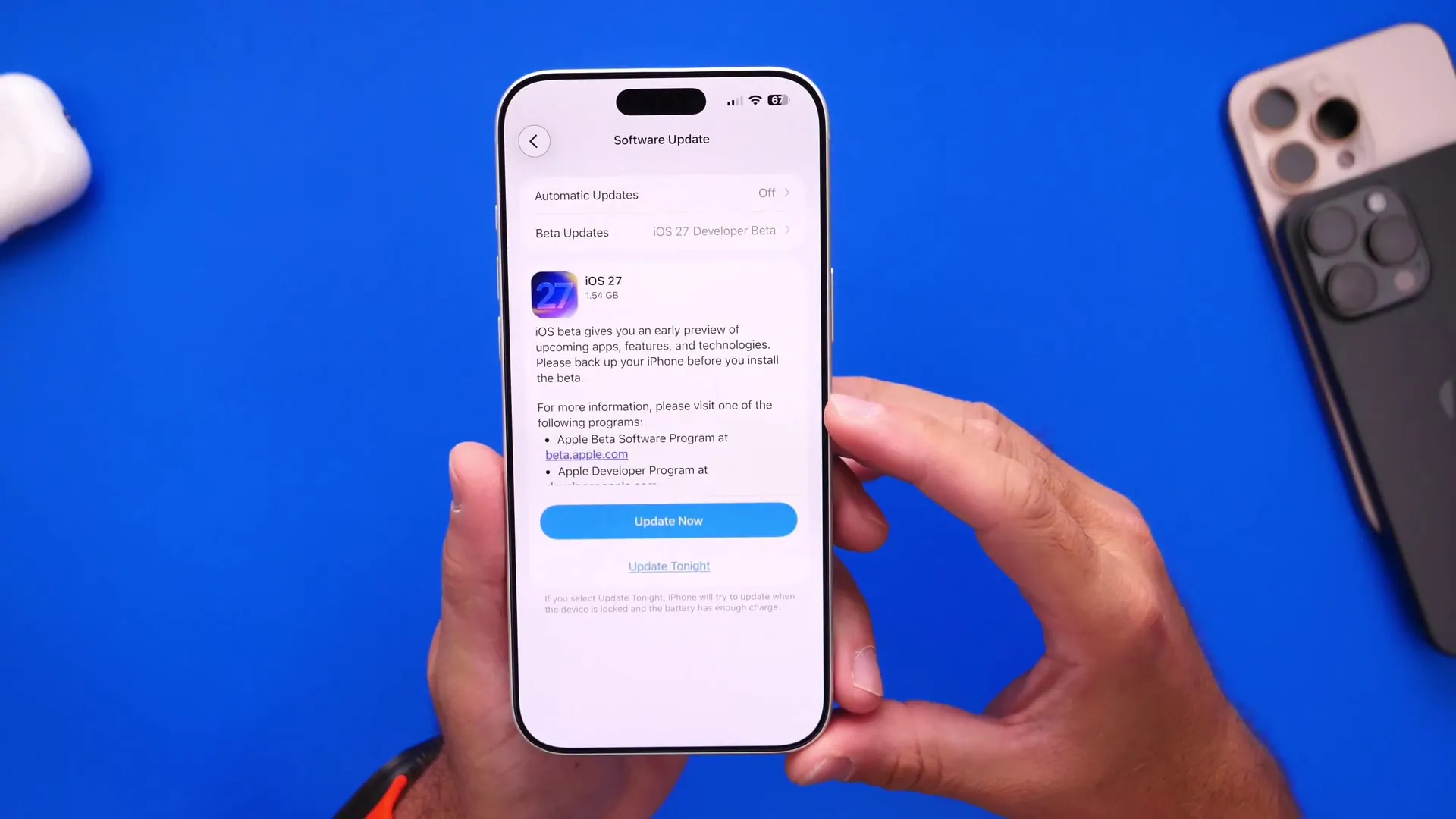
If you’ve cycled through the same handful of iPhone wallpapers for years, iOS 27 may finally give you a reason to stop scrolling and start describing. According to Bloomberg, Apple is preparing an AI-powered wallpaper generator inside Image Playground, letting users create custom lock screen and home screen backgrounds on demand. The pitch is simple: type what you want, and the phone makes it.
That’s only one piece of a broader AI push expected to land in iOS 27. The same reporting points to a major Shortcuts update that builds automations from natural language, plus systemwide writing upgrades like a native grammar checker and a more prominent “Write With Siri” option. Apple is expected to preview these features at WWDC on June 8, putting everyday personalization, automation, and writing assistance at the center of its next iPhone software cycle.
The iOS 27 AI shift: personalization and automation
If the leaks hold, iOS 27 is less about a single marquee feature and more about removing friction from tasks people already do: choosing a background, writing messages, and setting up routines. That matters because Apple’s biggest competition in mobile AI isn’t one feature, it’s the accumulation of small conveniences across Android ecosystems.
What’s notable is the emphasis on consumer-facing outcomes rather than developer-only tooling. Generating a wallpaper is low risk and instantly visible. Building a shortcut from a sentence reduces a long-standing usability problem. And grammar suggestions baked into the OS could make the iPhone feel smarter without users having to install a separate app or subscription.
How AI wallpaper generation is expected to work
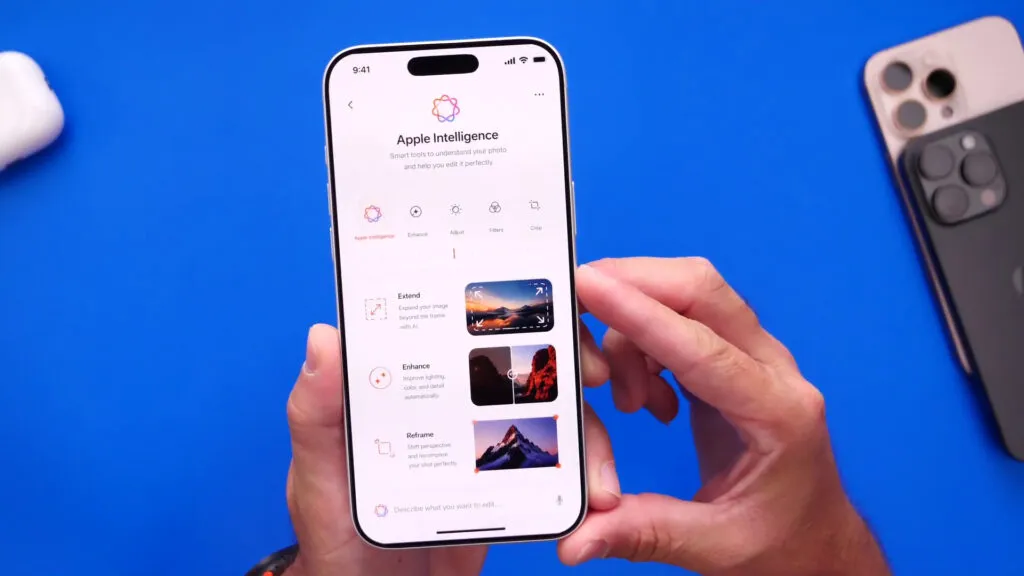
Today, Image Playground is associated with playful, stylized results: custom images for messages, stickers, and emoji-like creations that feel intentionally illustrative. Bloomberg reports that Apple is testing models that can produce more lifelike images, and that the wallpaper feature may look meaningfully different from the current Image Playground experience.
The expected flow is straightforward. When you go to pick a wallpaper, you’d see an option to generate one. Instead of browsing a preset gallery, you describe the look you want and Image Playground creates it on the spot. For tech users, the key questions are about control and consistency: Will Apple offer style presets (photoreal, minimal, abstract), aspect-aware composition for different iPhone sizes, and variations you can regenerate quickly?
It also raises practical concerns Apple will need to address. Wallpapers live behind icons, widgets, and the clock, so legibility matters. A good generator needs to understand negative space, avoid high-contrast noise behind text, and produce options that don’t make notifications unreadable. If Apple couples generation with smart cropping and “safe zones” for UI elements, it could end up feeling more polished than third-party AI art tools that weren’t designed for a lock screen.
Shortcuts rebuilt around natural language
Shortcuts is powerful, but its building blocks, actions, and nested logic have kept it niche. The reported iOS 27 overhaul aims to change that by letting users explain what they want, then having AI assemble the workflow automatically. Bloomberg describes a prompt like “What do you want your shortcut to do?” with a text field. After you submit your request, the shortcut is created and installed, ready to run.
If it works, it could bring automation to people who have never opened the app. Think: “When I arrive at work, turn on Focus, message my partner I’m there, and open my calendar,” or “At 10 pm, dim my smart lights, set an alarm for 6:30, and start a sleep playlist.” The real test will be transparency and editing: advanced users will want to inspect what the AI built, tweak conditions, and confirm permissions rather than trust a black box.
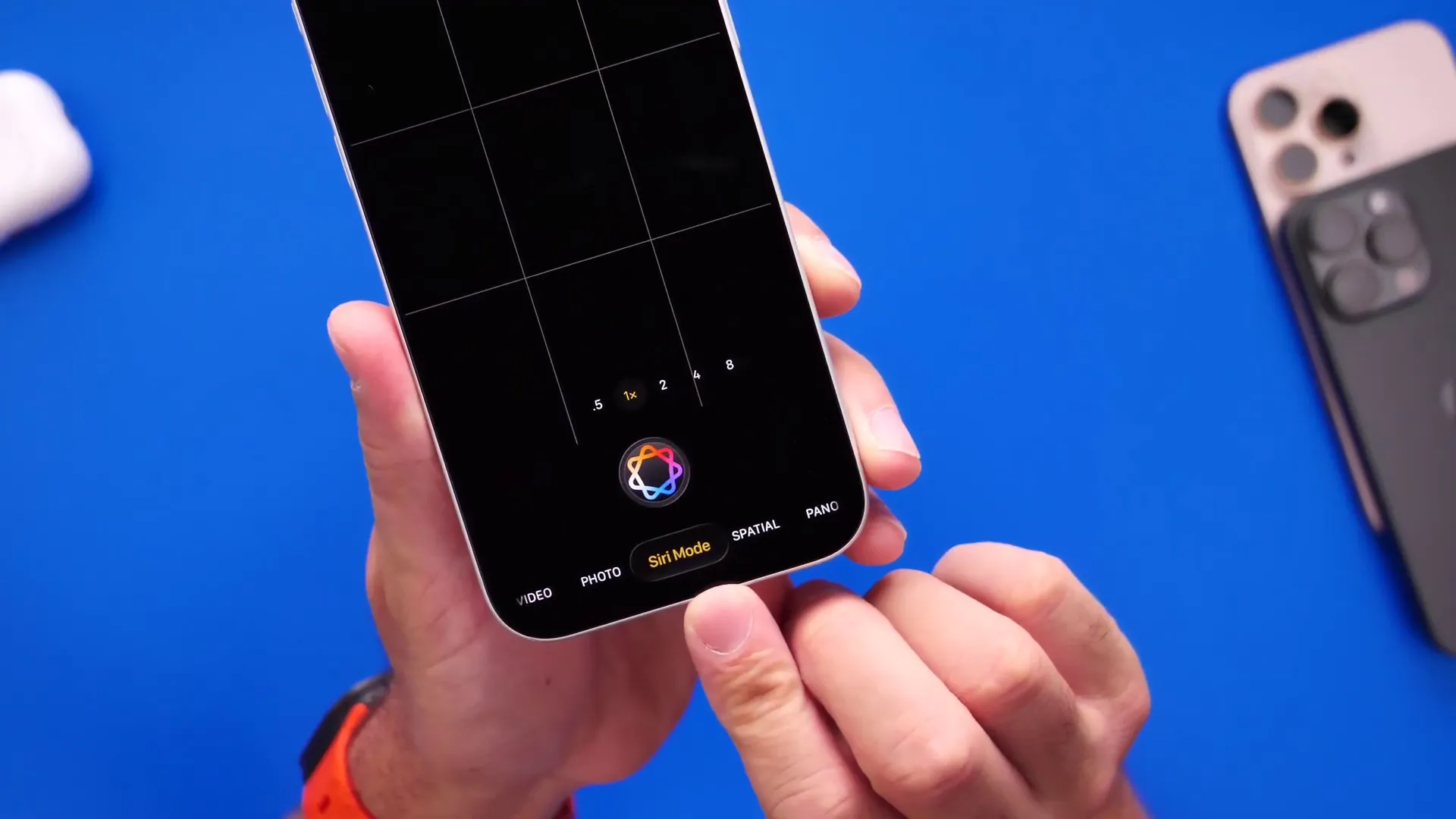
This also intersects with Siri’s ongoing evolution. Multiple reports suggest Apple wants Siri to behave more like a modern assistant, potentially with interface changes that extend into the Dynamic Island and even a dedicated Siri app. A natural-language Shortcuts builder would be one of the most concrete ways to make Siri feel useful beyond timers and trivia.
Writing tools: grammar checks and “Write With Siri”
iOS already has writing aids, but they’re easy to miss. iOS 27 is expected to make them more visible. Reporting points to a “Write With Siri” toggle above the keyboard, alongside “Help Me Write” when Siri is active in a text field.
More important is the rumored native grammar checker, which would function similarly to Grammarly: flagging issues, suggesting revisions, and letting users accept or reject changes. The UI is described as a translucent panel sliding up from the bottom, with controls to pause checking and jump between flagged sections. If Apple ships this systemwide, it could reduce reliance on third-party keyboards and extensions, especially in enterprise environments that restrict them.
What to watch at WWDC 2026 and after
Conclusion
Apple hasn’t confirmed these iOS 27 features, but the roadmap being reported is coherent: make the iPhone more personal with generated visuals, more productive with language-driven automation, and more polished with built-in writing feedback. WWDC on June 8 should clarify how much runs on-device versus in the cloud, what hardware is required, and how Apple plans to keep results private, fast, and consistent.
If Apple can deliver reliable wallpaper generation that respects UI readability, a Shortcuts builder that produces editable automations, and writing tools that don’t feel intrusive, iOS 27 could be one of the company’s most practical AI upgrades yet.
Read more!